

I just installed Bluebus in my '06 M3 Comp and its amazing (after having it for like a year and not installing it). Sound quality is great! Now I am eagerly awaiting the release of the CarPlay unit!!!! Reading this thread and watching the youtube videos of the install I was slightly confused about how to install it and what I could and couldn't leave unplugged so I thought I'd add some pics that will hopefully clear things up for people.
First picture is of what I think is a relatively unmolested area behind the trunk carpeting right as I pealed it back. The silver box on top is the telematics module for BMW assist that no longer works for an e46 and its my understanding that its just dead weight at this point. I removed it and have not noticed any issues with it being gone. The telematics module (at least on my car) had 3 connectors: the 54-pin connector on the backside (red arrow) that we are reusing for Bluebus, the black antenna hookup in the foreground, and the white/purple antenna hook up. We aren't using either antenna hook-up going forward. Of note, the telematics module weighs about 2 lbs so you get that weight savings. Also the black antenna is what connects to the sharkfin antenna on the roof, so if you are so inclined you can now remove the sharkfin antenna and the now unused cable to it for additional weight savings (it just adheres to the roof). Also note the bundle of unused connectors (other red arrow) tucked in the back. That bundle included only the 2 CD changer wires that we need for Bluebus and at least in my case was just wrapped in some foam take and stuffed in that back cavity in the quarterpanel behind the amp.
Second picture just shows the lay of the land with the telematics module removed and shows the 3 connectors we need relative to one another. It also shows that black unused antenna wire going to to the top of the rear quarter panel where it exits to then route behind the rear window trim to the sharkfin.
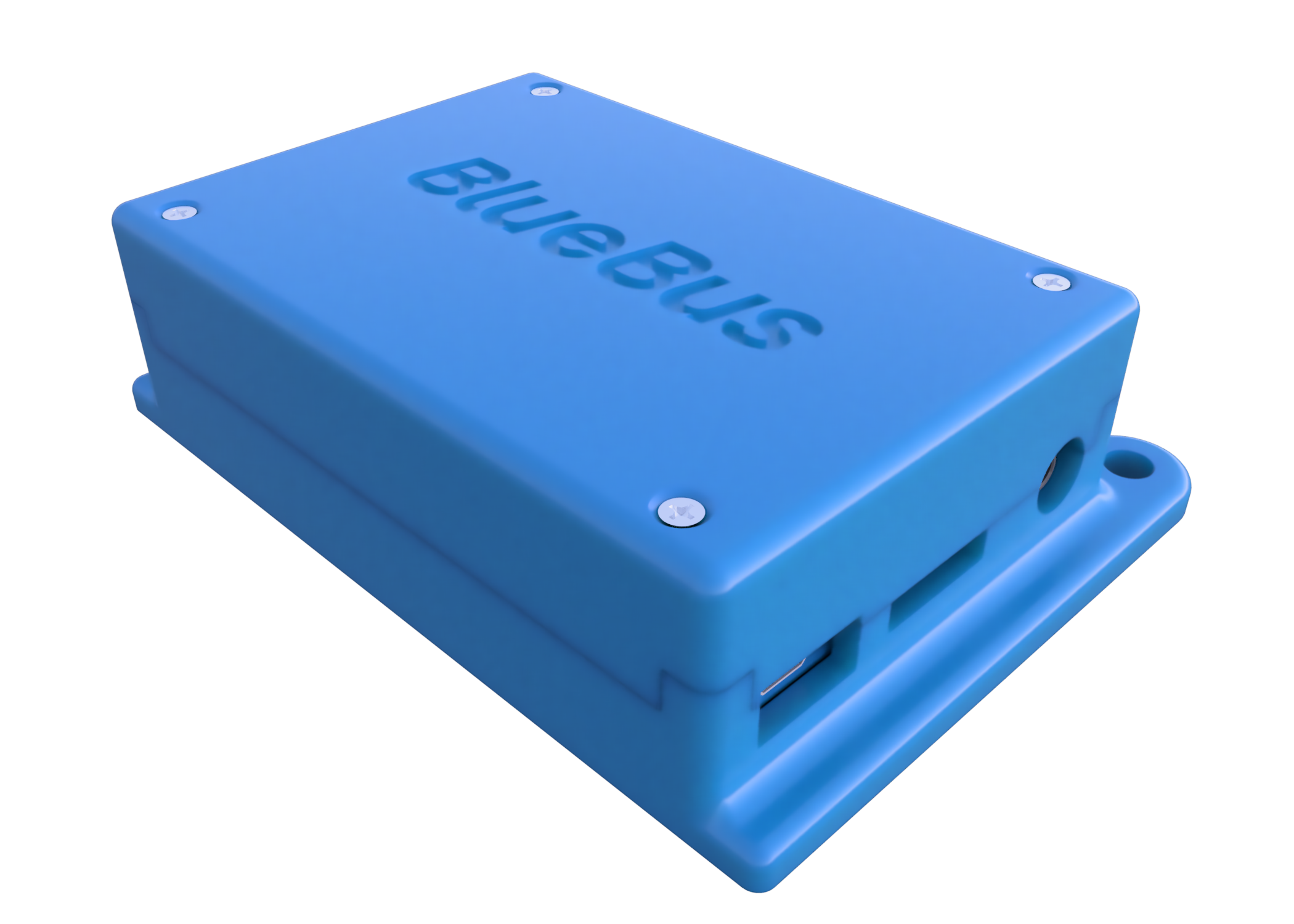
Last picture shows the Bluebus installed with factory hardware in place of the telematics module. Its a perfect fit. A little cable management and some felt take around the 54pin connector adapter to prevent rattles and its good to go. I hope that makes install a little clearer for some people. I counldn't be happier... well until the CarPlay module is released!
-
I just fixed this. It was due to a *sarcastic gasp*, wait for it, off by one bug in early bootloader versions which included an uninitialized byte as part of the XOR checksum. I added a catch for it and now it works:Originally posted by heinzboehmer View Post
Code:[11:16:02 PM] Serial port connected [11:16:02 PM] State: REQUESTING_BOOTLOADER [11:16:02 PM] Attempting to enter bootloader mode... [11:16:03 PM] Received a corrupted response from the device [11:16:04 PM] State: AWAITING_PLATFORM [11:16:04 PM] Platform: BLUEBUS_BOOTLOADER_1_4 [11:16:04 PM] Legacy bootloader detected, skipping CRC validation [11:16:04 PM] State: REQUESTING_INFO [11:16:04 PM] Firmware version: 1.4.5 [11:16:04 PM] Serial number: 65535 [11:16:04 PM] Built: 255/255 [11:16:04 PM] State: READY [11:16:08 PM] Selected release: v1.4.32 [11:16:22 PM] Firmware downloaded [11:16:22 PM] State: ERASING [11:16:22 PM] Erasing flash (733 rows to write)... [11:16:28 PM] Flash erased successfully [11:16:28 PM] State: WRITING [11:16:51 PM] State: STARTING_APP [11:16:51 PM] Write complete, starting application...
Last edited by t3ddftw; 04-11-2026, 07:21 PM.Leave a comment:
-
Messed around with it yesterday and saw the same. MacOS tool still works fine. I forget my bootloader version, but I have a very early unit, if that makes a difference.Originally posted by t3ddftw View PostLeave a comment:
-
i just can't update with the online tool
Code:[14:36:27] Loaded 7 releases [14:36:31] Could not connect to the device. Make sure it is plugged in and try again. [14:36:57] Serial port connected [14:36:57] State: REQUESTING_BOOTLOADER [14:36:57] Attempting to enter bootloader mode... [14:36:58] Received a corrupted response from the device [14:36:58] Received a corrupted response from the device [14:37:00] State: AWAITING_PLATFORM [14:37:00] Platform: BLUEBUS_BOOTLOADER_1_3 [14:37:00] State: REQUESTING_INFO [14:37:00] Firmware version: 1.3.4 [14:37:00] Received a corrupted response from the device
Leave a comment:
-
Woah, cool!Originally posted by t3ddftw View Post
Can't wait to be flashing my BlueBus on the side of the road with my phone cause I wrote some dumb bug into the FW
Leave a comment:
-
FYI, I rolled out the online releases portion of the new firmware tool, so you can keep up with and easily load the newest version right from the website.
Leave a comment:
-
Just updated the firmware to bluebus_1_4_32.hex
Tried a couple of times to use the blinker, and it all worked well. It didn't blink continuously like it did before, but blinked 3 times and then shut off.
All good, thank you for the support t3ddftw !Leave a comment:
-
Thanks for the @ but wrong usernameOriginally posted by 0-60motorsports View Post !
!
Yes, I make these to order for $25 USD.Originally posted by jonathanrec View Post
What firmware version are you on? 1.4.32 is the latest beta, and I think 1.4.0+ fixes this issue.Originally posted by sev View Post
Originally posted by ///Marecki View Post
Originally posted by CBA88 View Post
Originally posted by 0-60motorsports View PostCorrect, no pin is required.Originally posted by Keith_MN View Post
Originally posted by Flow View PostOriginally posted by Keith_MN View PostOriginally posted by enjoy_m3 View PostThis was fixed recently in 1.4.20+Originally posted by Flow View Post
Here is the latest beta:
There's also a new firmware tool that runs straight in your browser: https://www.bluebus.dev/firmware
It was going well until Texas Instruments discontinued the DIT4096, so I am being forced to iterate the prototype hardware. I shifted to BlueBus firmware improvements for now as I'd like to get a bunch of features and bugfixes out so I can focus on the AA/CarPlay solution.Originally posted by repoman89 View Post
Also, today was the first time I saw an update on this thread, so if I don't respond, please shoot me an email at [email protected]
-Ted
Leave a comment:
-
If it's the car in your sig, it should be capable with a flash https://nam3forum.com/forums/forum/s...blink-and-moreOriginally posted by Flow View Post
If it's an older car, would have to grab one of the newer LCMs and then do the above.
I'd argue it's less involved than most of the mechanical stuff that we don't blink an eye atLeave a comment:


Leave a comment: